 Proposition Studio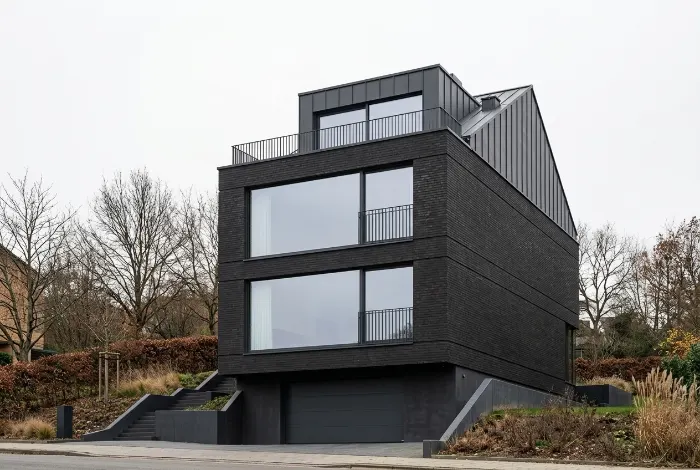
 Selection: facade
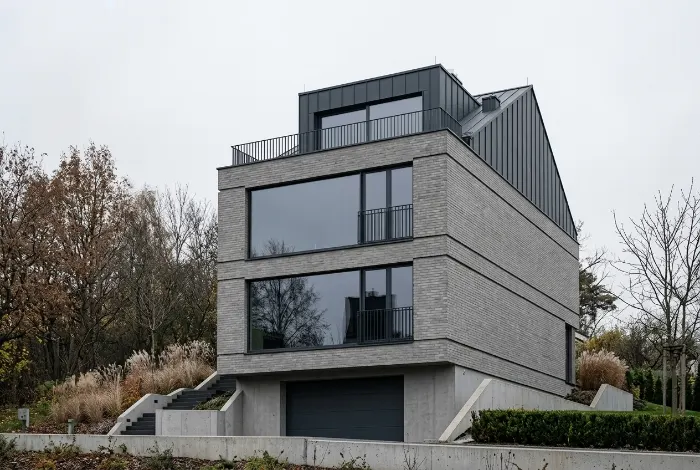
Change only the facade
Select an object, a surface or draw a region. The change applies only to the selection.
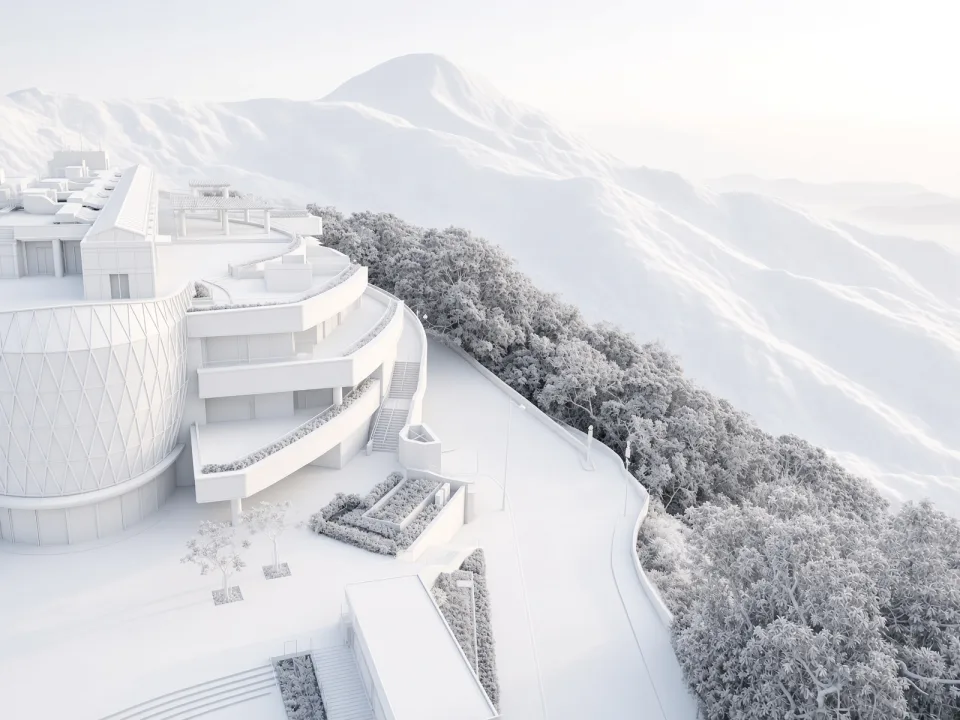
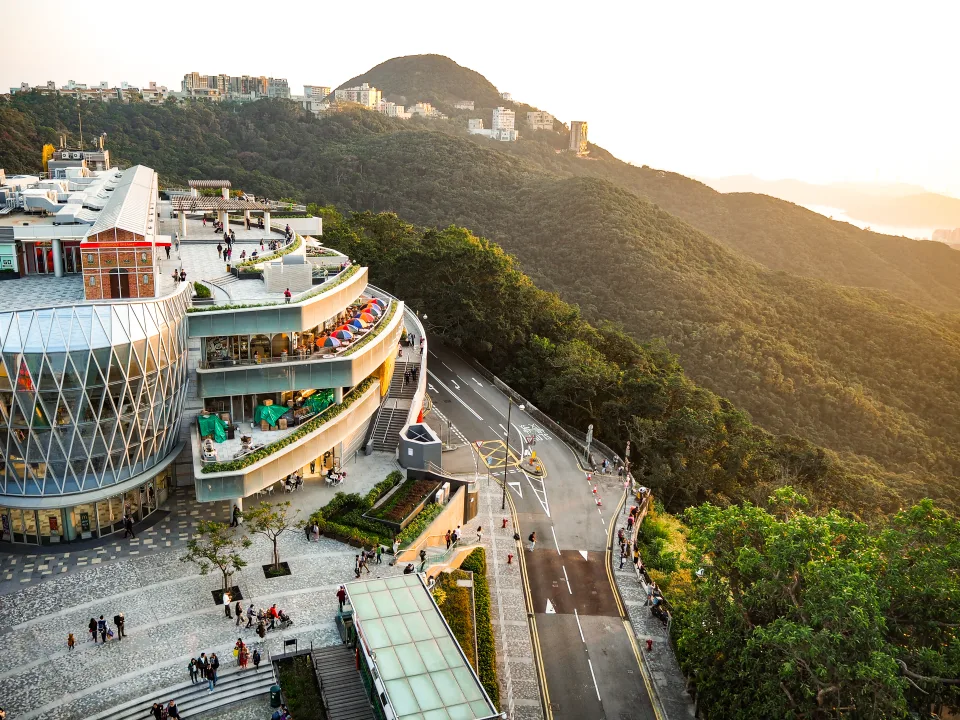
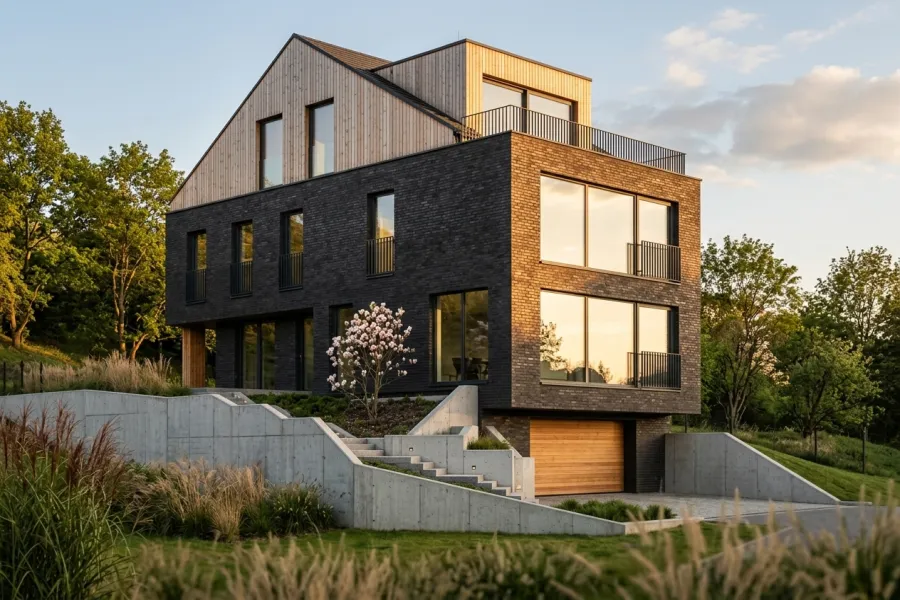
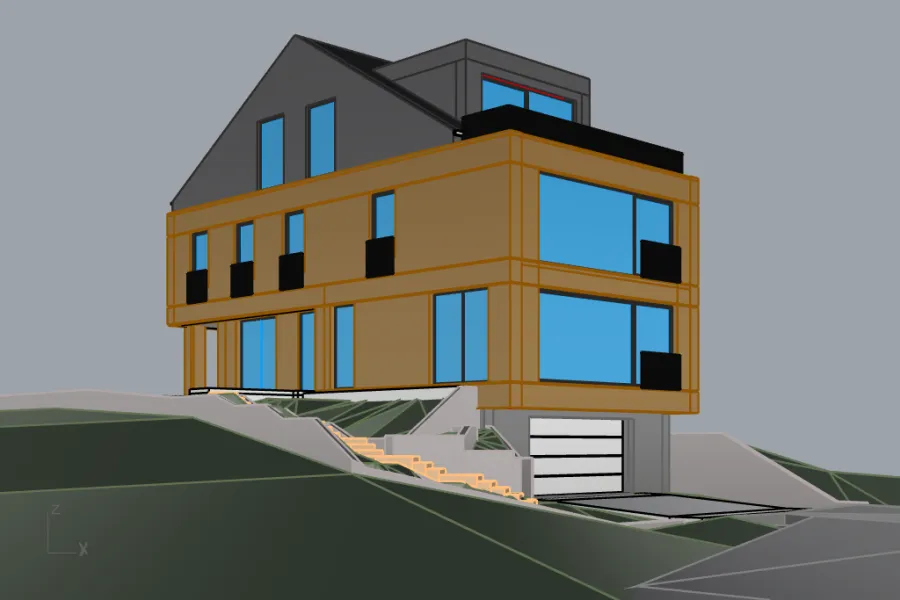
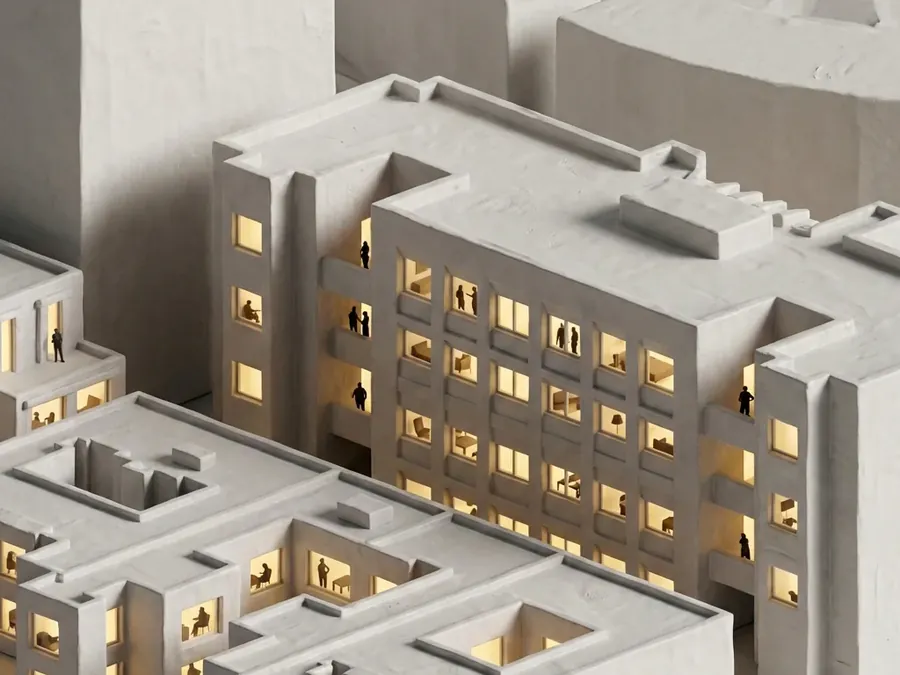
Turn a 3D model into a visualization. Then change the facade, the light and the season while the camera stays put.
Output shape
Prompt
 3D modelVisualization · same camera
01Results
Drag the slider. Input on the left, Proposition Studio output on the right.
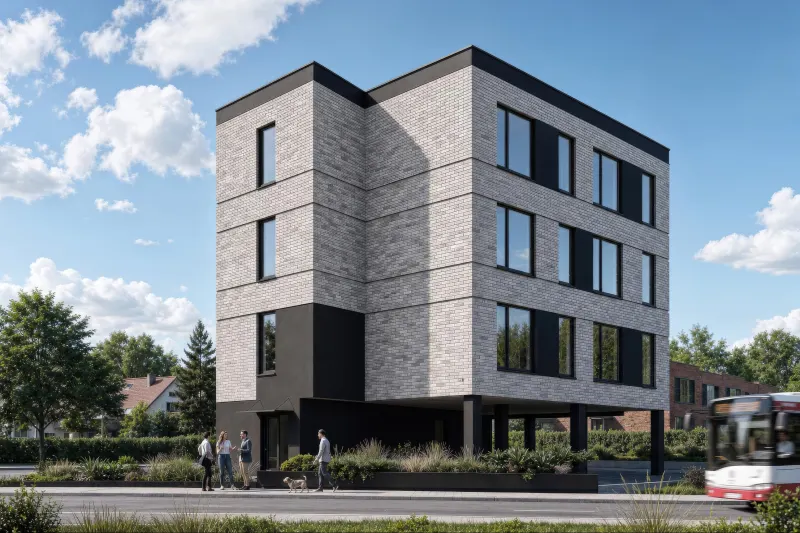
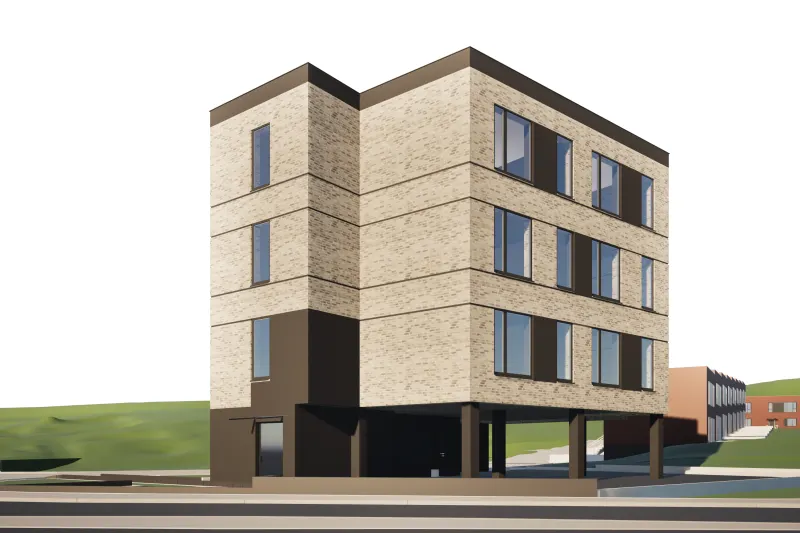 3D modelVisualization
02Variants
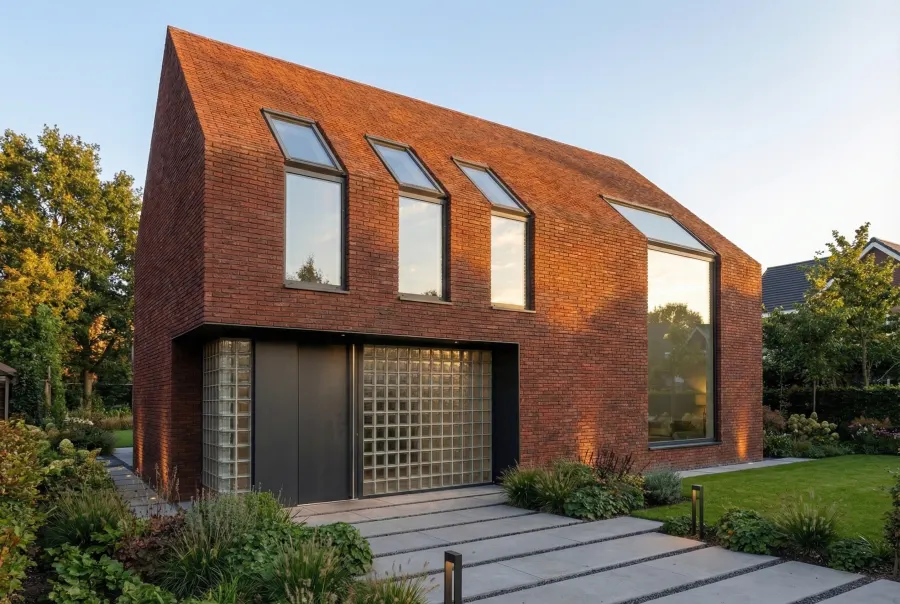
Brick, concrete, timber. Summer, winter, dusk. Every version comes from the same source and stays in the project history, so you can always go back to an earlier one.
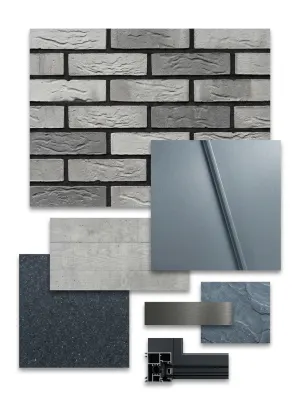
Upload samples or an inspiration photo. The materials land on the facade.
03From plot to visualization
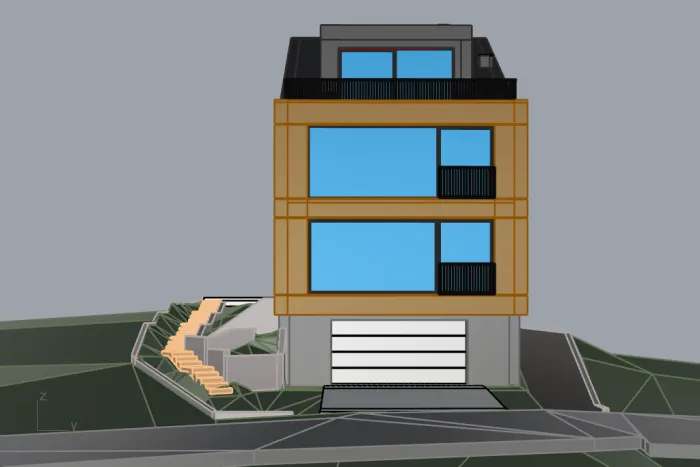
A site plan, six massing stages, the model and a drone visualization. Each step is one generation on the same camera.
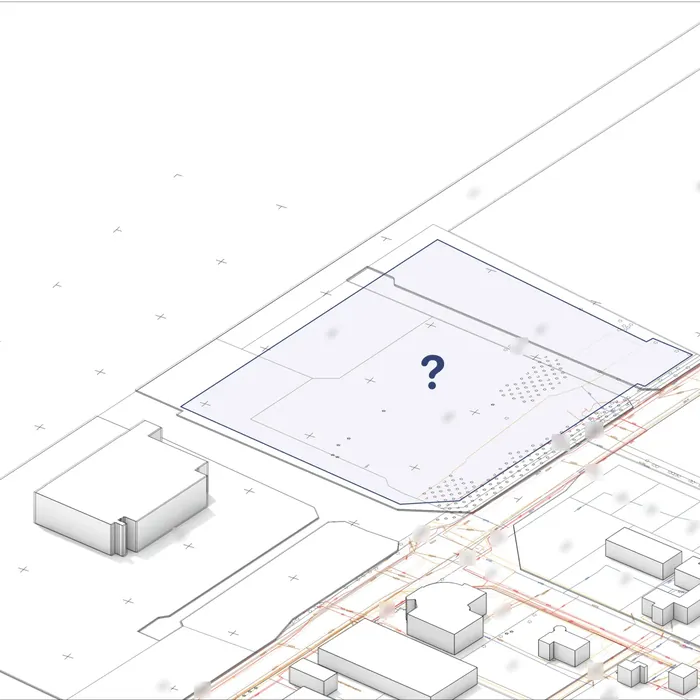
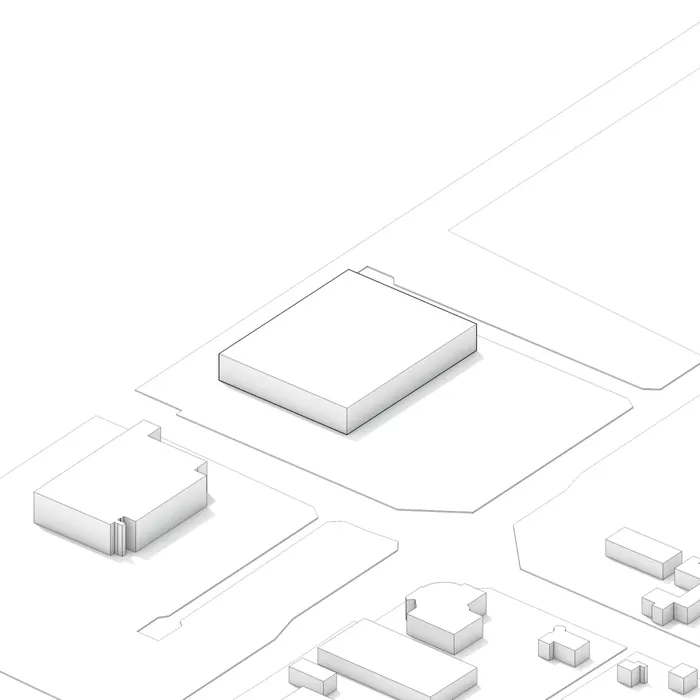
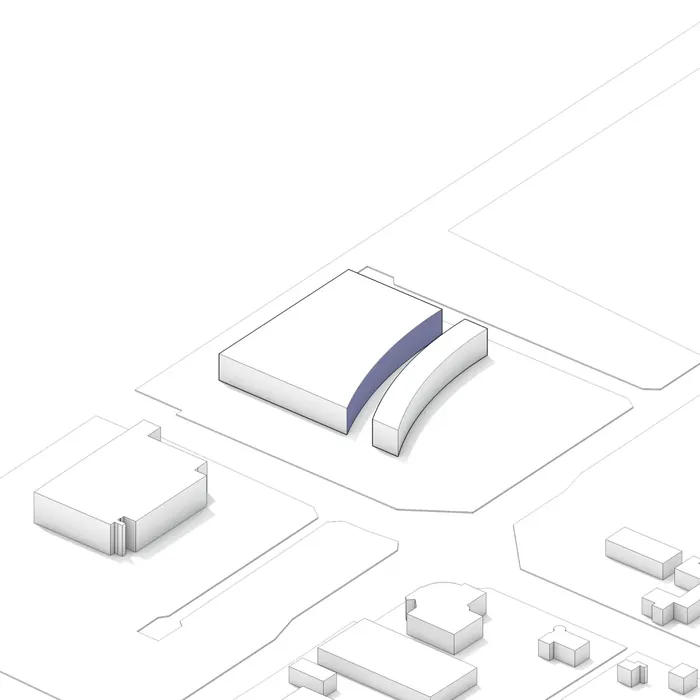
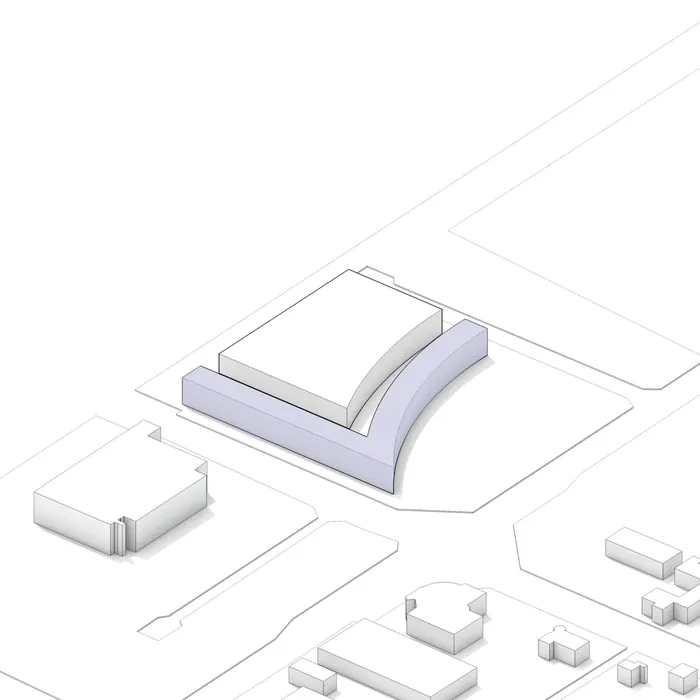
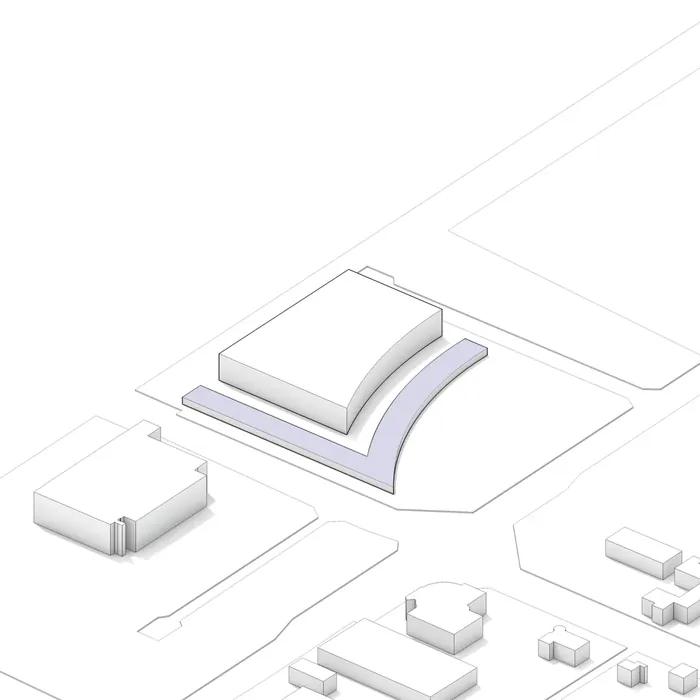
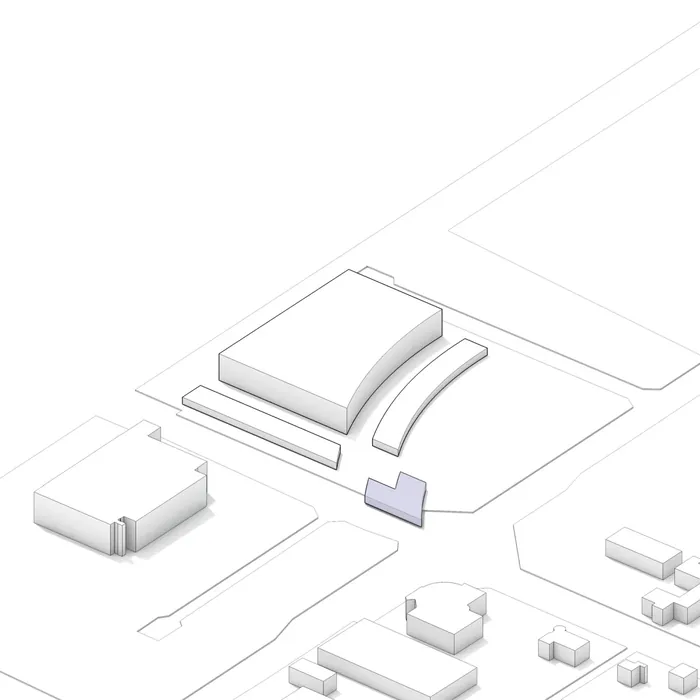
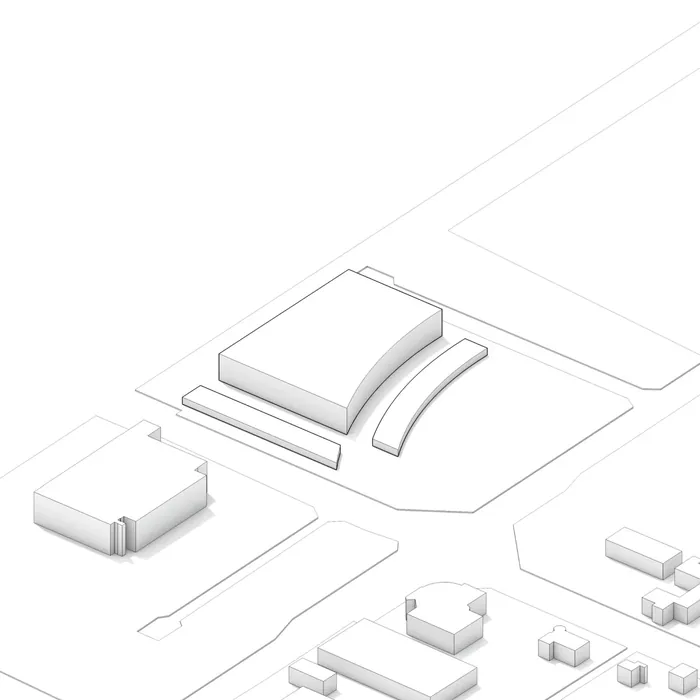
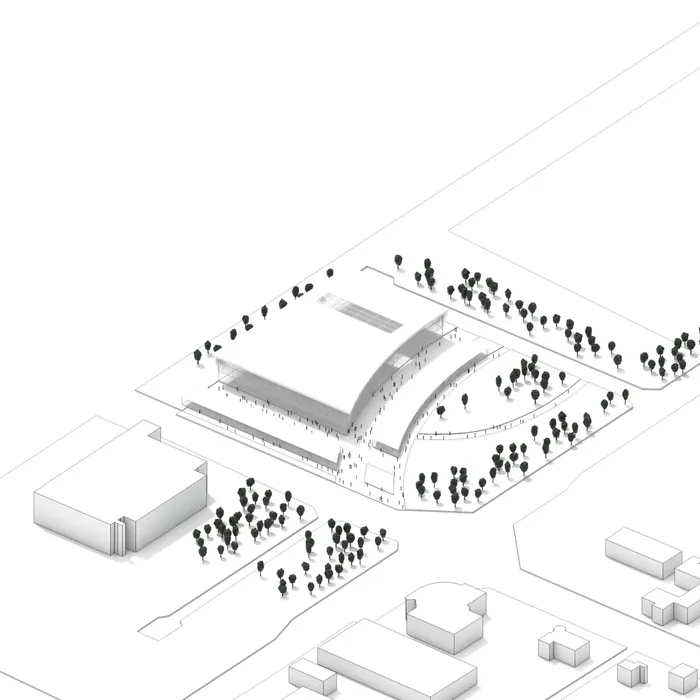
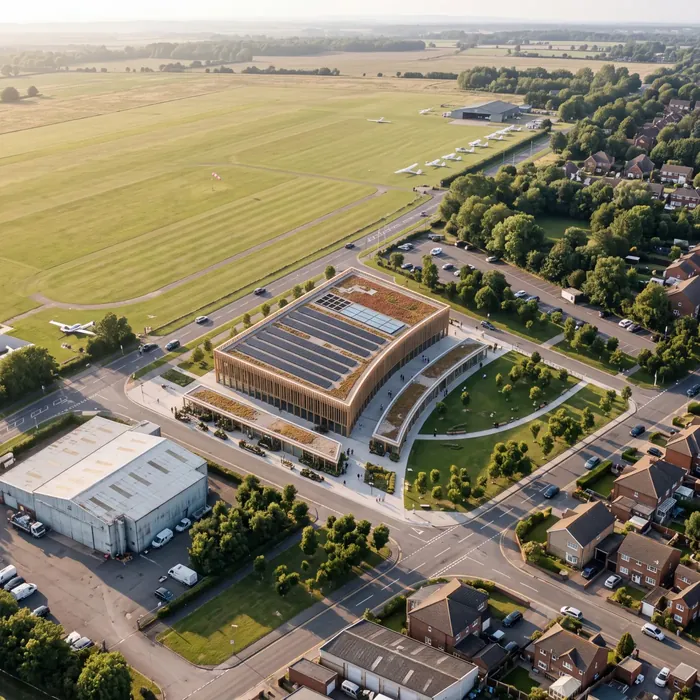
Eight input images, one prompt for the visualization. The camera from the model export did not move.
04How it works
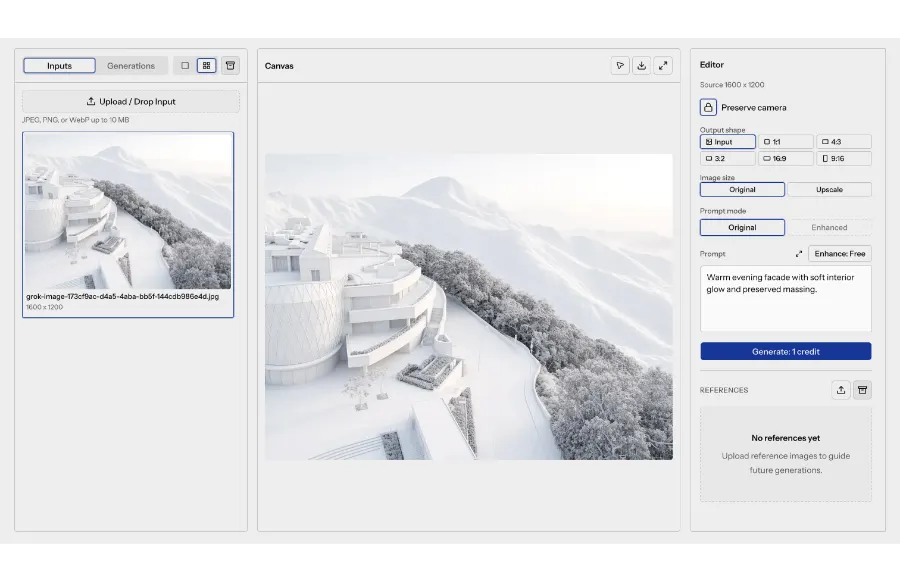
No plugins and no model export. You work in the browser on a plain image.
05Features
Control that an ordinary image generator does not give you.
Selection: facadeSelect an object, a surface or draw a region. The change applies only to the selection.
 Camera locked
Camera angle, framing and building massing are the same in every version.
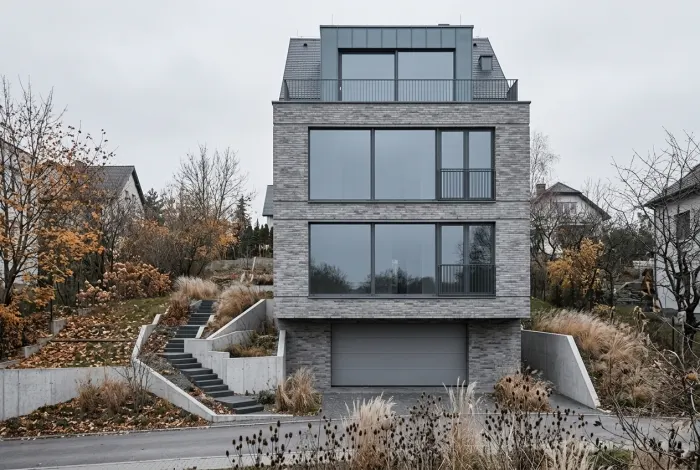 Reference → facade
Upload samples or an inspiration photo. Materials and light carry over to your project.
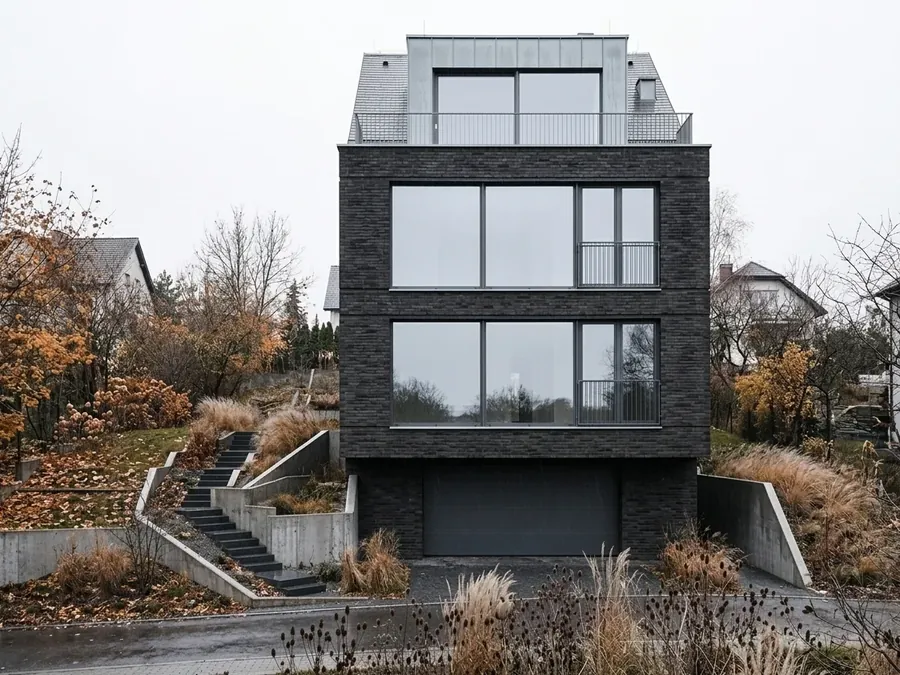
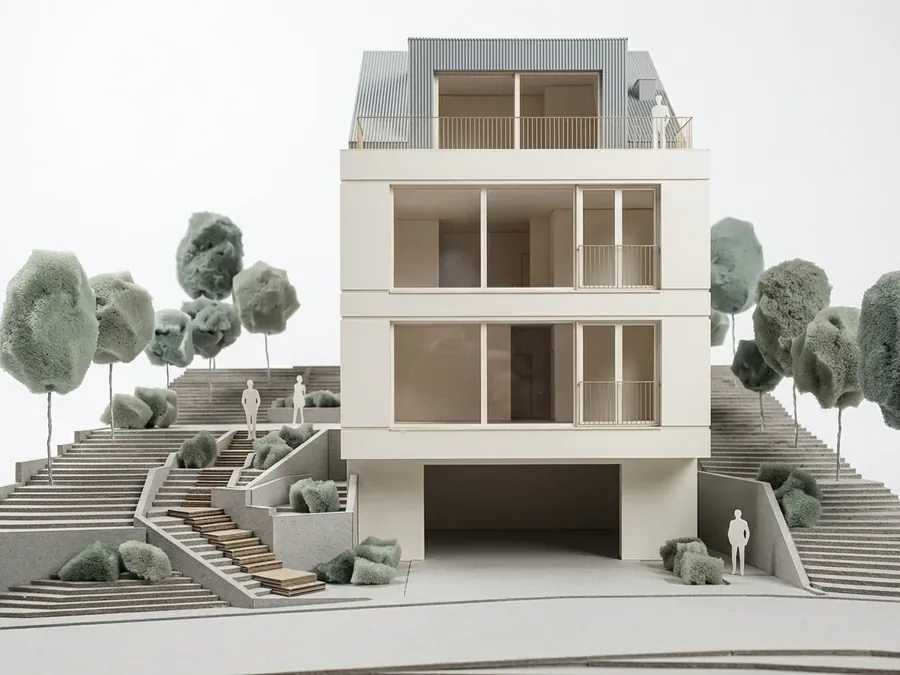 Scale model · photo
The same model as a photograph or as a model on the table. You choose the presentation.
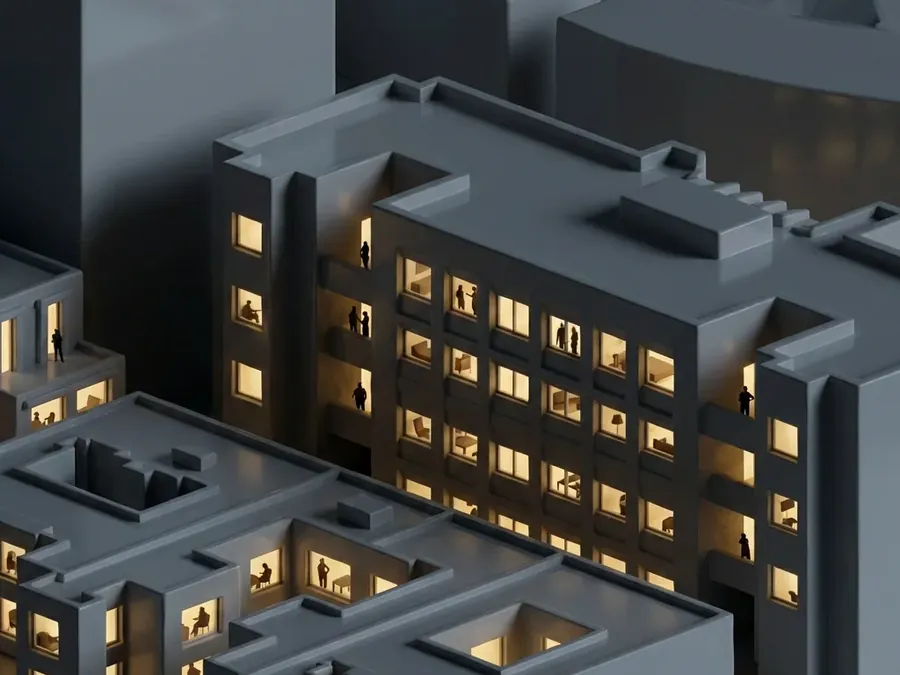
 Day · night
Time of day and light in the windows without re-rendering. Same camera.
A version history for every source. Go back to any of them with one click.
Sources, references and results organised by project.
JPG, PNG or WebP. Single versions or the whole set.
Interface and help in both languages. Switch in your account settings.
06Who it is for
Studios
You bring several facade versions to the meeting instead of one. Client comments go onto the selected part, without re-rendering.
Students
Test materials, mood and time of day on your own model before you hand in the project.
Investors
Got a raw model from your architect? See it in the materials and light you are considering.
07Pricing
Buy a credit pack when you need it. One generation is one credit.
One-time purchase, no subscription. Paid credits are valid for 12 months from purchase. Generation: 1 credit · Upscale: 2 credits · Prompt Enhancer: free. Failed generations do not use credits.
A browser app for visualizing interiors and architecture. Upload a photo of your room, a screenshot of your 3D model or a sketch, then change it piece by piece: furniture, walls, materials, facade, light, season.
An image is enough: a viewport screenshot from your 3D software, a render, a sketch or a photo. No plugins and no model export.
Camera lock keeps the viewing angle, framing and building massing. Only what you point at changes.
Yes. Select an object, a surface or draw a region and describe the change. The rest of the image stays as it is.
Credits come in one-time packs with no subscription. A generation costs 1 credit and an upscale costs 2. Failed generations do not use credits.
You open an account by signing in with your Google account. When new accounts are paused, join the waiting list and we will invite you.
No. Everything runs in the browser on our infrastructure.
JPG, PNG and WebP.
09Access
You open an account by signing in with your Google account. When new accounts are paused, join the waiting list and we will invite you.
