 Proposition Studio
Projects & Inputs
An ordered workspace with projects, uploads and a media library for every source.
Create controlled visual changes, compare branches and keep every decision connected.
Visual directions deserve room to stand on their own.
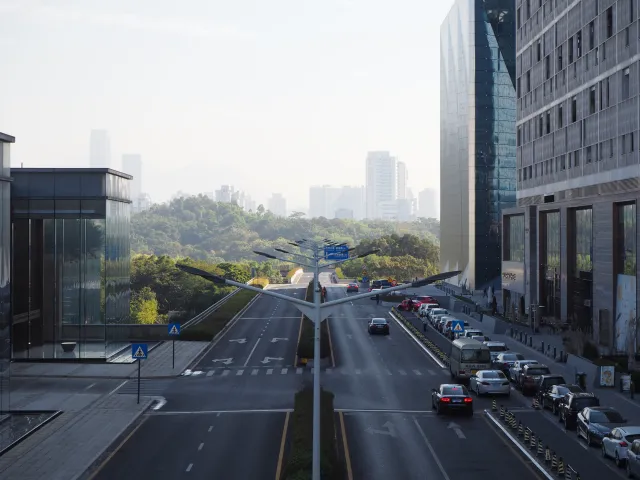
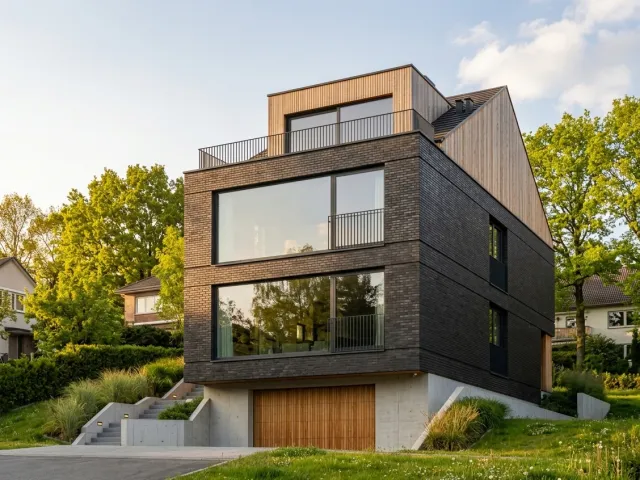
A purpose-built workspace keeps the source, references, controlled edits, generated variants and the decisions between them together.
Four stages keep exploration directed without flattening it into a chat.
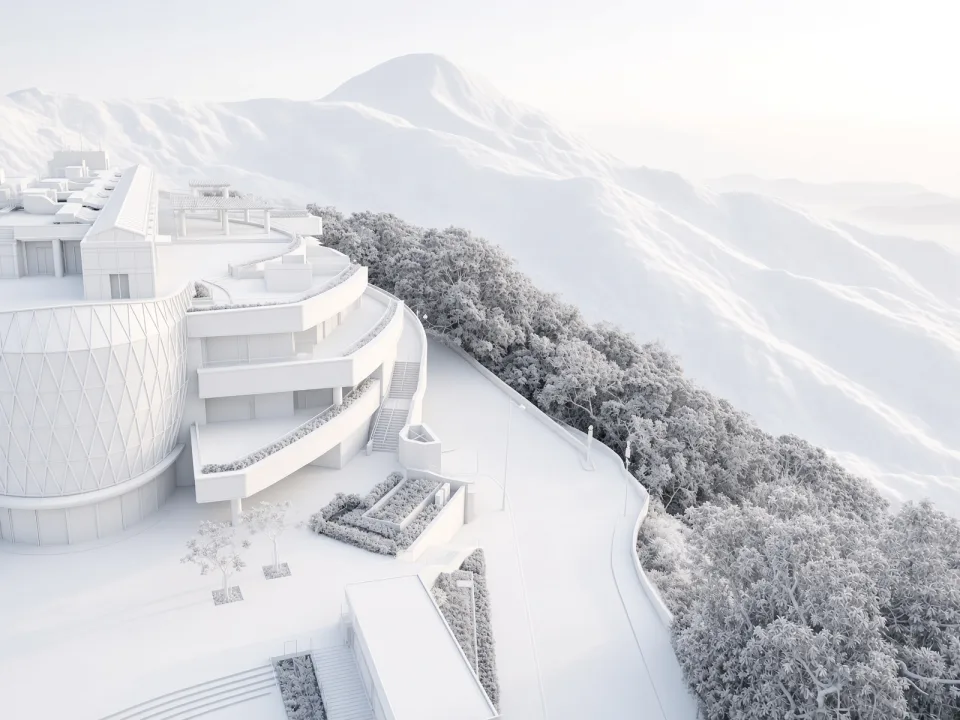
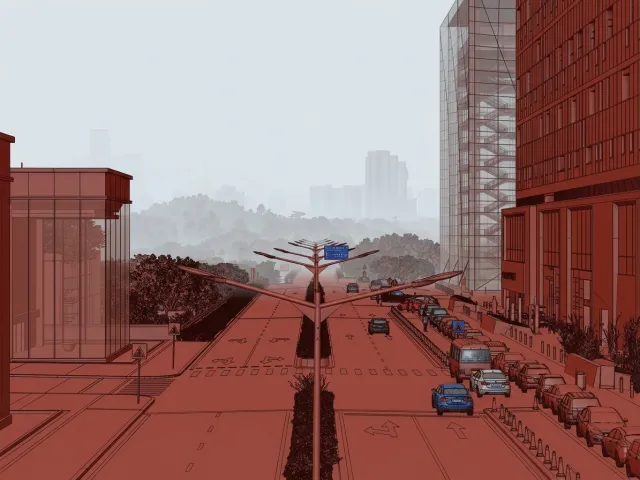
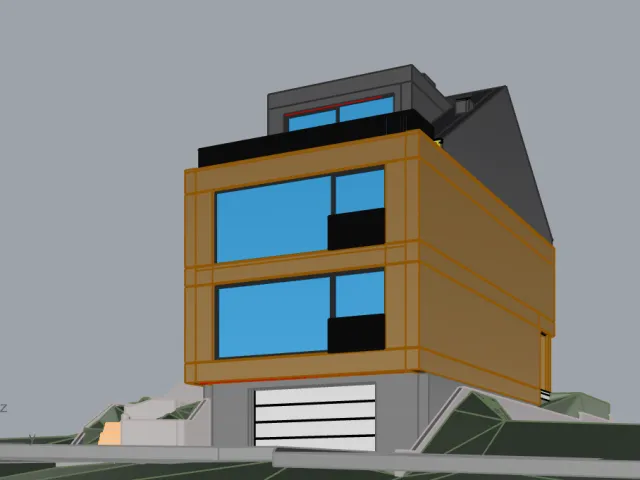
Bring a viewport, render, sketch or image into one focused project space.
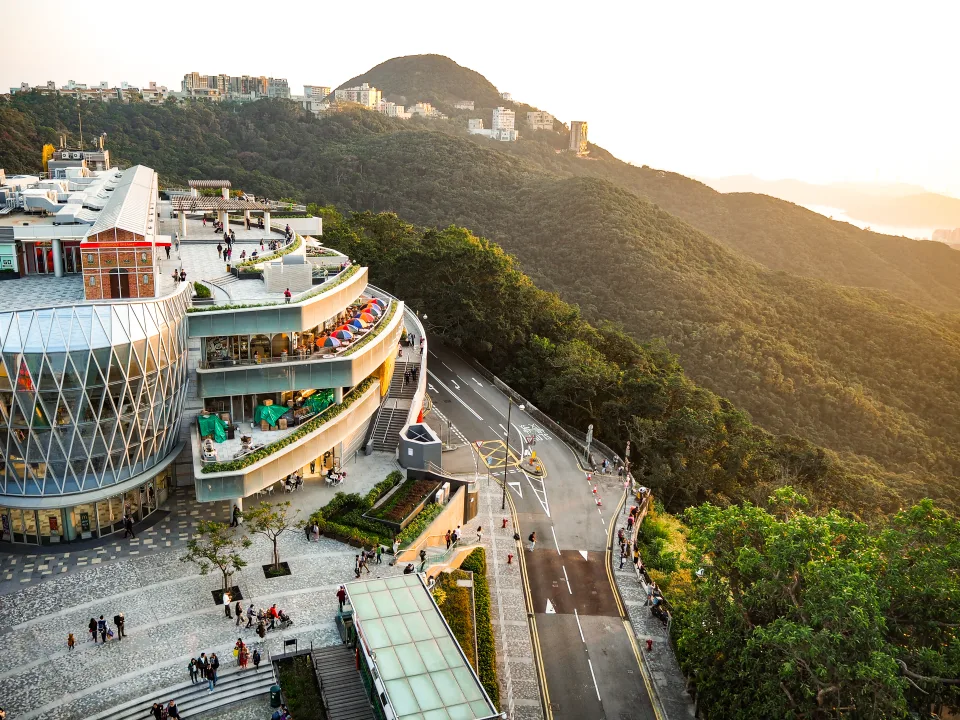
Create presentation-ready visual directions while keeping the source in view.
Change a material or selected region without restarting the whole proposition.
Keep branches visible, compare outcomes and return to an earlier decision.
A browser workspace where one source becomes many directed visual directions — without losing where they came from.
An ordered workspace with projects, uploads and a media library for every source.
Select an object, surface or drawn region and edit only that — including a material swap inside one label.
Every input keeps a simple, visual history of generated directions. Return to any earlier branch.
Preserve the camera angle, framing and building composition while you explore alternatives.
Use references for material swaps and lighting inspiration without leaving the workspace.
Export generated variants and canvases as JPG, PNG or WebP, ready to share.
Every source, generation, reference-assisted change and controlled edit stays attached to the decision that produced it.
For practices and people who need to see more than one possible answer.
Small and medium studios
Prepare client-ready alternatives, direct precise changes and keep camera, composition and project history intact.
Students
Test material, atmosphere and presentation directions without rebuilding your visualization workflow.
Proposition Studio is opening to a small group of architecture studios and students.
A browser workspace for directed visual iteration — source, references, generation and controlled edits stay in one place.
Architecture studios, students, and people who receive raw 3D models from architects and want to preview how their home or apartment will look.
Create directed visual directions, edit only a selected region, lock camera and composition, explore the generation tree, and export to JPG, PNG or WebP.
The pilot is by invitation. Request access with your email and we will be in touch if it is a fit; pilot pricing is being finalized before any charge applies.
No. Everything runs in the browser on hosted infrastructure.
